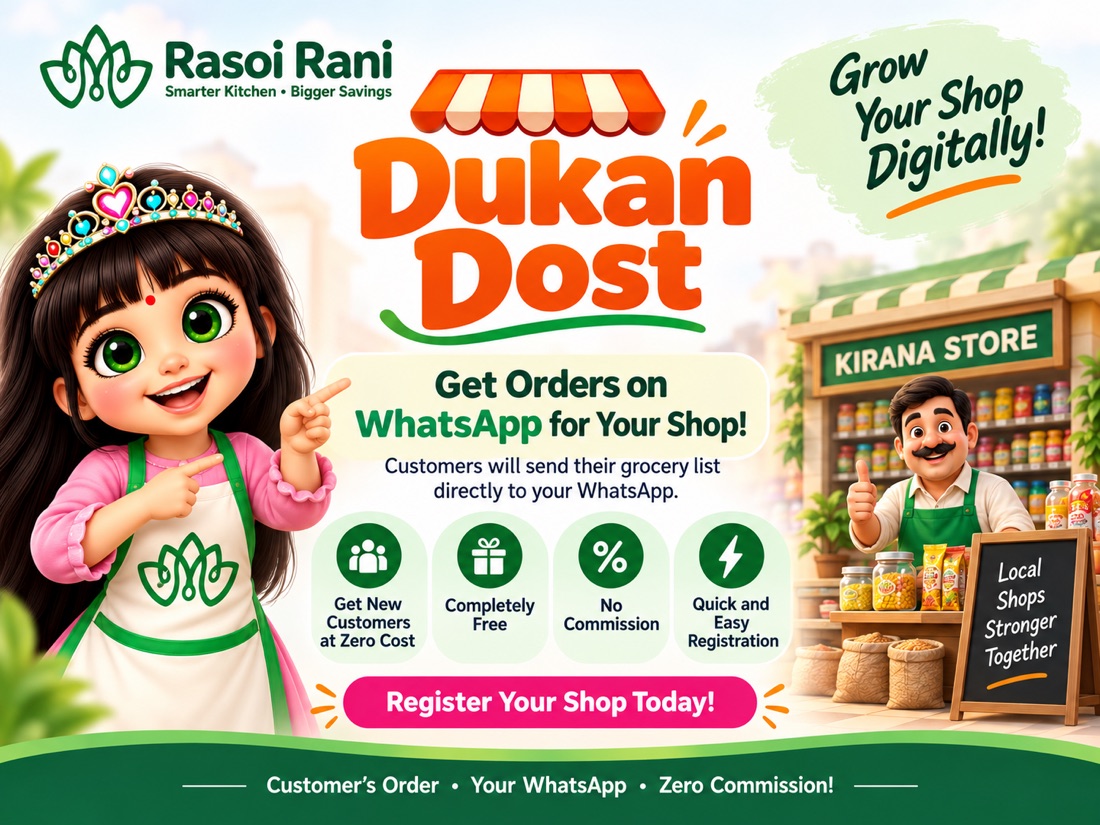
Put a QR on your counter. Customers scan it and send you their grocery list on WhatsApp. You reply as you always do.
Fill three details and your QR code is ready on the same screen.
Print it or show it on your phone, wherever customers can see it.
A customer scans, picks what he needs, and the list arrives on your WhatsApp.
Nothing. Listing your shop is free and stays free. There is no joining fee, no monthly charge and no renewal. We do not ask for card or bank details at any point.
Zero. We take no commission on any order. The customer sends you the list, you sell to him directly, and the money is entirely yours. We are not in the middle of the sale.
No. You need nothing but the WhatsApp already on your phone. There is no shopkeeper app to download, no login to remember and no software to learn.
A plain WhatsApp message with the customer's name and his list, item by item with quantities. It is an ordinary message in your chats. You reply to it the way you reply to anyone.
Namaste
Order from Anjali Sharma:
6 items in total
— Sent from Rasoi Rani
10:42 AMNo. Your QR points only to your shop. A customer who scans the QR on your counter reaches you and nobody else. We do not show him other shops on that screen.
No. No GST number, no licence, no shop photo and no paperwork. Your shop name, your area and your WhatsApp number are enough to get your QR.
Your number is used only to deliver customer lists to you. Your public shop page shows your shop name and area and never your number — you can check any shop page and see for yourself.
Only if you want to. Home delivery is an optional setting you can turn on or off at any time. Many shops keep it off and simply have the customer collect the order.
Mainly from the QR on your counter, which your existing customers scan. Your shop can also appear to Rasoi Rani users nearby once we have confirmed your listing.
A list is only a message, never a confirmed sale. Nothing is billed and nothing is committed until you reply. If a message looks wrong, ignore it exactly as you would any other.
About two minutes. Three details — shop name, area and WhatsApp number — and your QR is on the screen straight away. Everything else is optional and can wait.
Yes, at any time. Message us on WhatsApp and we will change your details or remove your shop completely. It is your listing and you decide how long it stays.
Your number is used only to deliver customer lists. We do not sell it, we do not pass it to other businesses, and we do not send you marketing you did not ask for.
Yes. After your QR is ready you can add shop timings, what you sell and home delivery. It is optional and takes another minute, and your QR already works without it.
Yes. Send us a WhatsApp message and we will set the shop up for you and send your QR back in the same chat. You do not have to fill this form at all.
Free forever, no commission, and nothing to install. It takes two minutes.